Let curiosity last.
Let them discover on their own.

Quality screen time for ages 6–12

HeyKids turns screen time into curiosity and discovery. Your child asks by speaking or typing, tries, and finds out. Designed for 15 minutes of discovery a day.

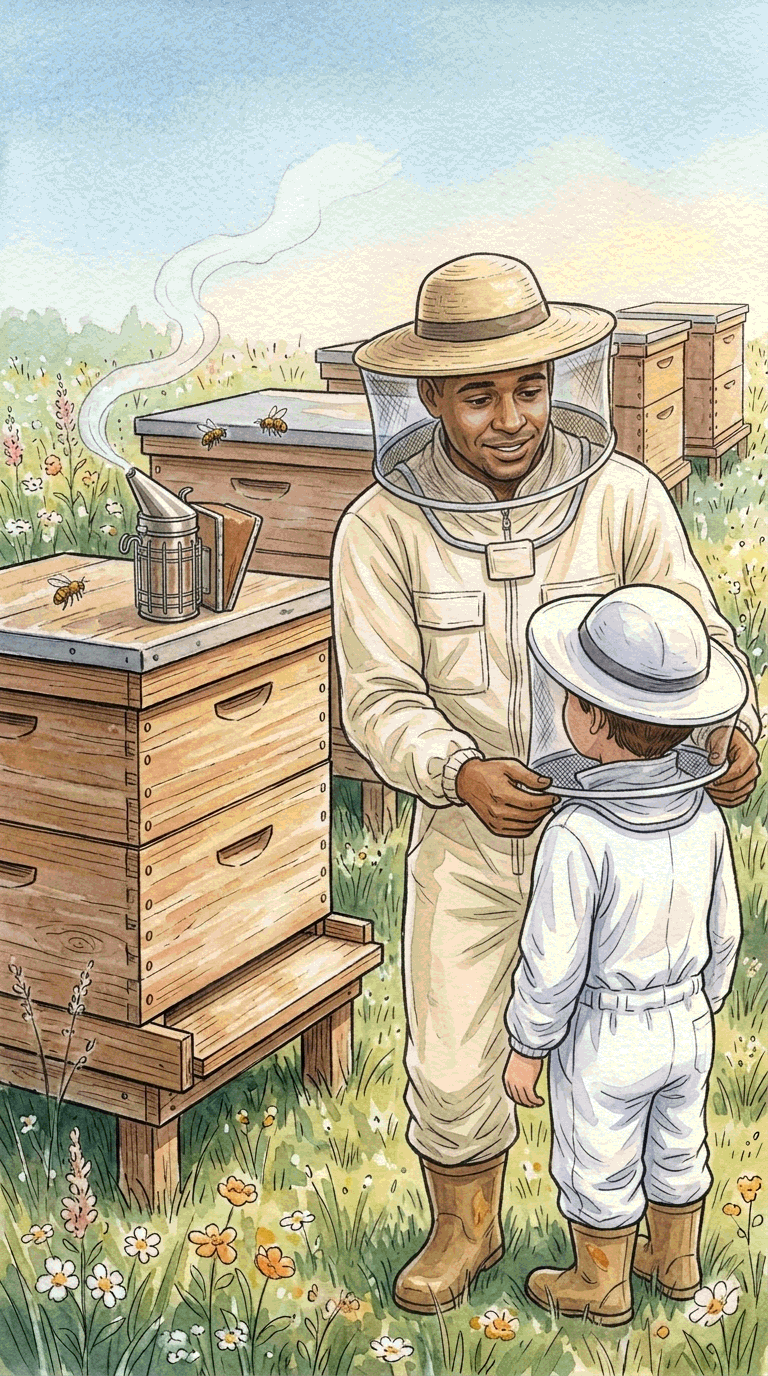
A Day as a Beekeeper
A scene from the beekeeper mission

Smoke is coming from the smoker. What is it for?

Discover by talking
In every mission, your child:
Plans

Decides how to figure it out.

Tries and adjusts

Checks whether it works and tries another way.

Reflects

Says what they learned and what they would change.

What do you want to discover today?

A HeyKids mission

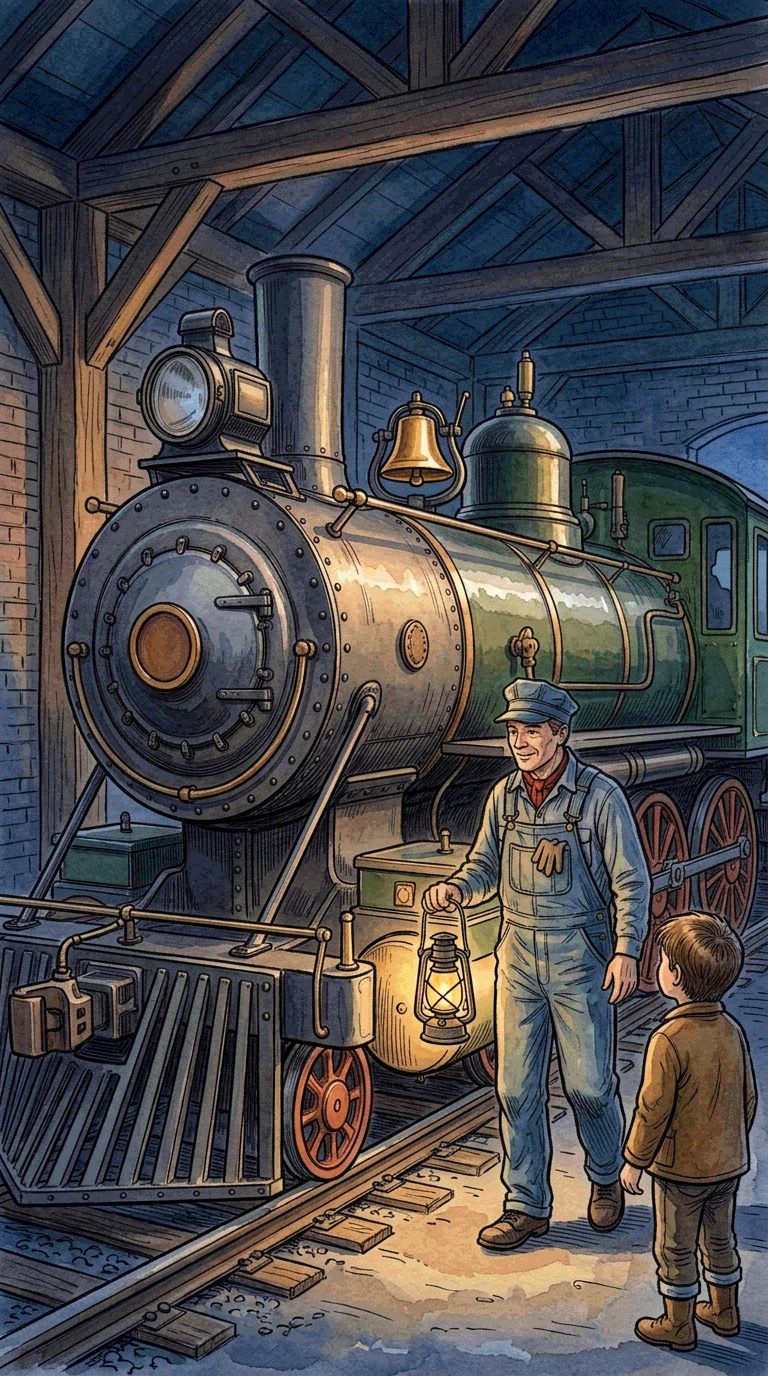
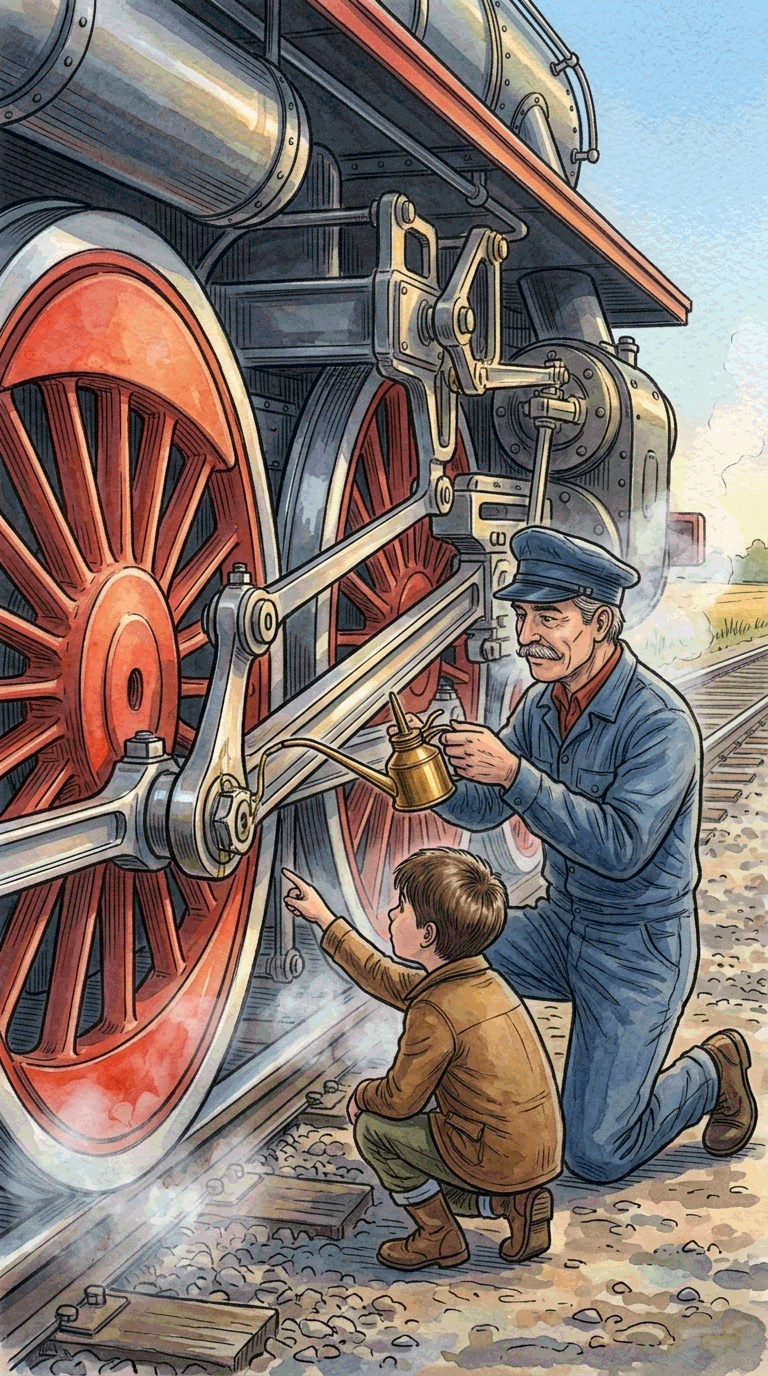
Three moments from the “The Steam Locomotive Wakes Up” mission.

A cold, quiet steam locomotive in the shed
1A cold, quiet locomotive
HeyKidsThis locomotive is about to leave... what could we look at to tell if it is ready?
ChildI would look at its smoke and its wheels.
Plan

The child first decides what to look at.

The engineer oils the locomotive's moving parts
2The parts are oiled one by one
HeyKidsThe engineer is oiling the parts beside the wheels, one by one. Why do you think he is doing that?
ChildSo they move more easily. So they don't rub.
Try and adjust

They notice a new clue and work out the reason themselves.

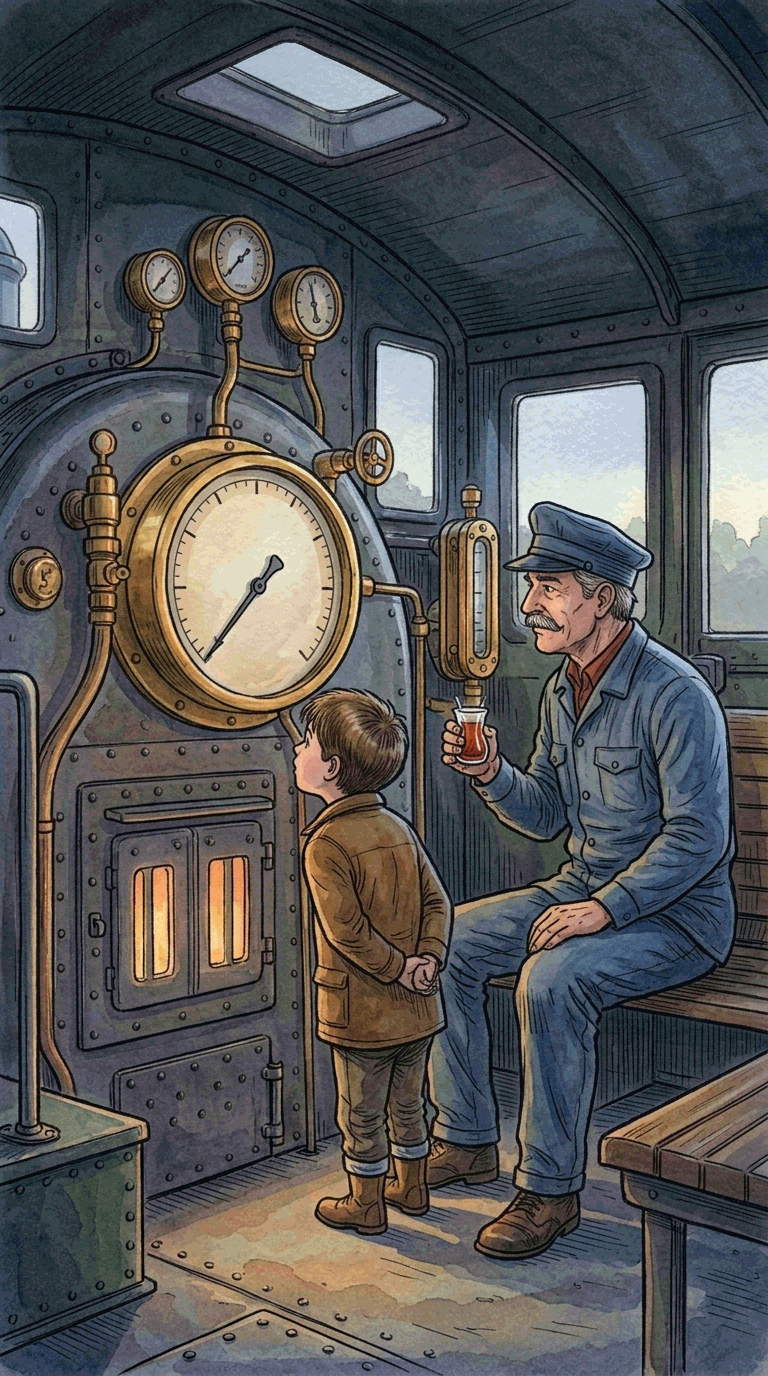
A child looks at the pressure gauge in the cab
3Waiting for the pressure needle
HeyKidsAt first you thought you would look at the smoke and the wheels... now this needle has appeared. Why do you think they are waiting for it?
ChildThe pressure has to rise. Otherwise the train cannot move.
Reflect

They update their first idea with the new information.

A child notices not only what they discovered, but how they discovered it.

HeyKids missions use the Plan → Try and adjust → Reflect cycle of self-regulated learning (SRL).

1

Plan (Plan)

“How will I figure this out?”

The child chooses their own path. A perfect plan is not required.

2

Try and adjust (Monitor)

“Is this working? What else can I try?”

They change course as new clues appear.

3

Reflect (Evaluate)

“What did I learn? What will I change next time?”

They look back at their own discovery.

They discover. You follow along.

Your child discovers in their own space; from the parent account you follow their chats and progress.

Data we collect

  • Age — to fit the experience to your child
  • Chat activity — to build the learning context
  • Progress — for the parent summary

Data we do not collect

  • First and last name
  • Phone number
  • Home address or location
  • Advertising identifier

We follow COPPA and GDPR standards. Payments are taken securely through the App Store and Google Play. Privacy Policy · Terms of Use

Start with a question today.

15 minutes a day for your child's curiosity. No ads, safe, made entirely for children.

The HeyKids story

Children never stop asking questions. They get curious, try, work to understand, and move on to the next question.

We are parents too. We want our children not only to spend time in front of a screen, but to wonder, think, and make their own discoveries.

Artificial intelligence lets us accompany that curiosity in a way that was not possible before. It can speak according to the child's age and answers, wait when needed, offer a new clue, and change the direction of the discovery with the child's thinking.

We designed HeyKids to use that possibility for children's curiosity. Talking with historical characters, exploring jobs, and finishing missions, every child moves along their own path.

Because what matters to us is not only what they learned, but how they thought, how they discovered, and that they keep wondering.

Team

HeyKids was founded by two parents who believe in children's curiosity and use technology to support it.

TUTayfun Uslu
Tayfun Uslu
Founder & CEO · father of 1

Works on HeyKids' product, learning experience, and growth.

OUOnur Uçak
Onur Uçak
Founder & CTO · father of 2

Builds HeyKids' artificial intelligence, voice, and technology.

For more curious tomorrows

For partnerships and questions: [email protected]

Frequently asked questions

What is HeyKids.ai?
A safe curiosity and discovery app designed for children ages 6–12. Your child talks with historical characters, sees jobs from inside a real workday, and discovers on their own in missions. Parents can see the chats and follow what their child is curious about.
How is it different from ChatGPT?
HeyKids is not a general-purpose AI. It is a discovery space designed for ages 6–12. Your child does not meet an empty chat screen; they choose among historical characters, jobs, and missions that move scene by scene. Language and content follow their age, every mission is a structured discovery, and every chat is visible from the parent account.
Does it replace school or homework?
It does not. HeyKids does not do homework, sit exams, or promise higher grades. Beside school, it is a separate place where your child follows their own curiosity.
What ages is it for?
Ages 6–12. HeyKids speaks according to the child's age: short and concrete when they are younger, deeper when they are older. Each child profile is set to its own age.
Which languages are available?
Turkish, English, German, Swedish, French, Russian, and Ukrainian.
What is the HeyKids approach?
It uses a flow based on the Socratic method: it invites the child to observe, to guess, and to look again at the path they tried. The aim is to deepen the child's own thinking.
What does “self-regulated learning” (SRL) mean?
In English it is Self-Regulated Learning, SRL for short. It means the child manages their own learning. HeyKids missions use this cycle: plan (how will I figure this out?), try and adjust (is this working, what else can I try?), and reflect (what did I learn, what will I change next time?). We do not lecture the child about it; they live it inside the mission.
What does HeyKids follow?
It follows how long your child explores, which topics they turn to, and what kinds of questions they ask. At the end of each mission you receive a summary.
  • We do not give grades.
  • There are no points or rankings.
  • There are no levels, streaks, or rewards.
We know outside rewards can put out a child's own curiosity, so we leave them out on purpose.
How long should they use it each day?
HeyKids is designed for 15 minutes of discovery each day. Keeping it short is a deliberate choice: when discovery ends while curiosity is freshest, the child comes back the next day with their question.
Is HeyKids safe for children?
Yes. We follow COPPA and GDPR standards. There are no ads, no open messaging, no contact with other users, and we do not collect personal contact details.
What data do you collect?
  • Age — to fit the experience to your child
  • Chat activity — to build the learning context
  • Progress — for the parent summary
We do not collect full name, phone number, or home address.
Can I see my child's chats?
Yes. From your parent account you can see every chat and follow what your child is curious about and where they get stuck.
Can my child use HeyKids on their own?
An active subscription is required to use HeyKids. The parent or legal guardian manages the subscription and the account. Beyond that, your child uses the app in their own space, and you follow from the parent account.
Why do I need a parent account?
The parent account lets you manage your subscription, see your children's mission summaries, and follow their discovery journeys.
How many child profiles come with one subscription?
Each HeyKids subscription supports up to two child profiles.
Can my child download it on their own device?
Yes. HeyKids works on different phones and tablets. An active subscription and a parent account are required; sign in with the parent account on other devices to reach the child profiles.
How is HeyKids priced?
As a monthly subscription. With an active subscription your children can use every HeyKids feature.
Can I cancel whenever I want?
Yes. Cancel anytime in the App Store or Google Play subscription settings. Access lasts until the end of the current period, and the next period is not charged.
Which payment methods work?
Payments are taken securely through the App Store or Google Play.
How do I delete my account?
Delete it anytime from the Parent Account section in the app. When the account is deleted, the child profiles and the data tied to them are deleted too. Active subscriptions must also be cancelled in the App Store or Google Play.